What’s happening
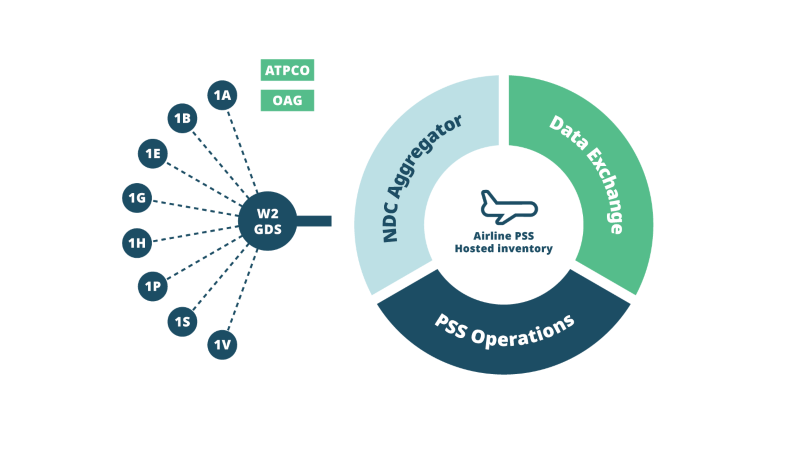
Some W2 content may not display by default in standard availability searches, depending on routing logic and GDS parameters.
How to access the content
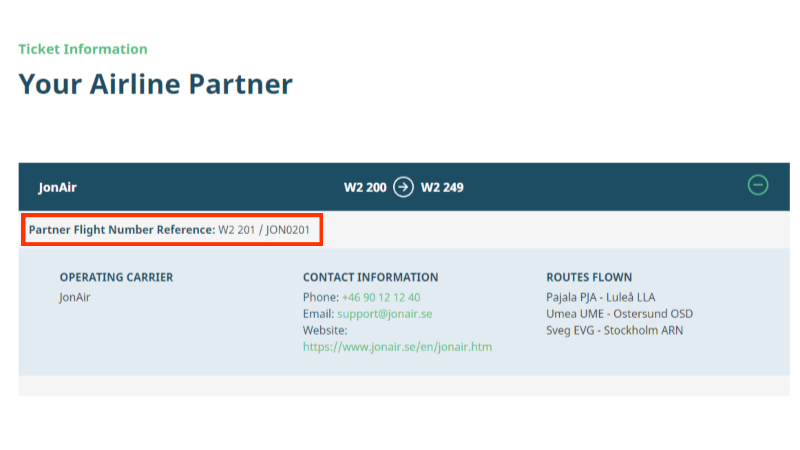
- Filter by specific flight numbers
- Manually construct the itinerary using known connections
This allows access to routings that are available for ticketing but not auto-returned.
Why it’s worth checking
W2 enables broader carrier combinations and routings than standard interline logic alone would allow — particularly useful in regional or developing markets.